> For the complete documentation index, see [llms.txt](https://cube.ewelink.cc/llms.txt). Markdown versions of documentation pages are available by appending `.md` to page URLs; this page is available as [Markdown](https://cube.ewelink.cc/english-zh/gong-neng-tan-suo/docker-yu-cha-jian.md).
# Docker 与插件
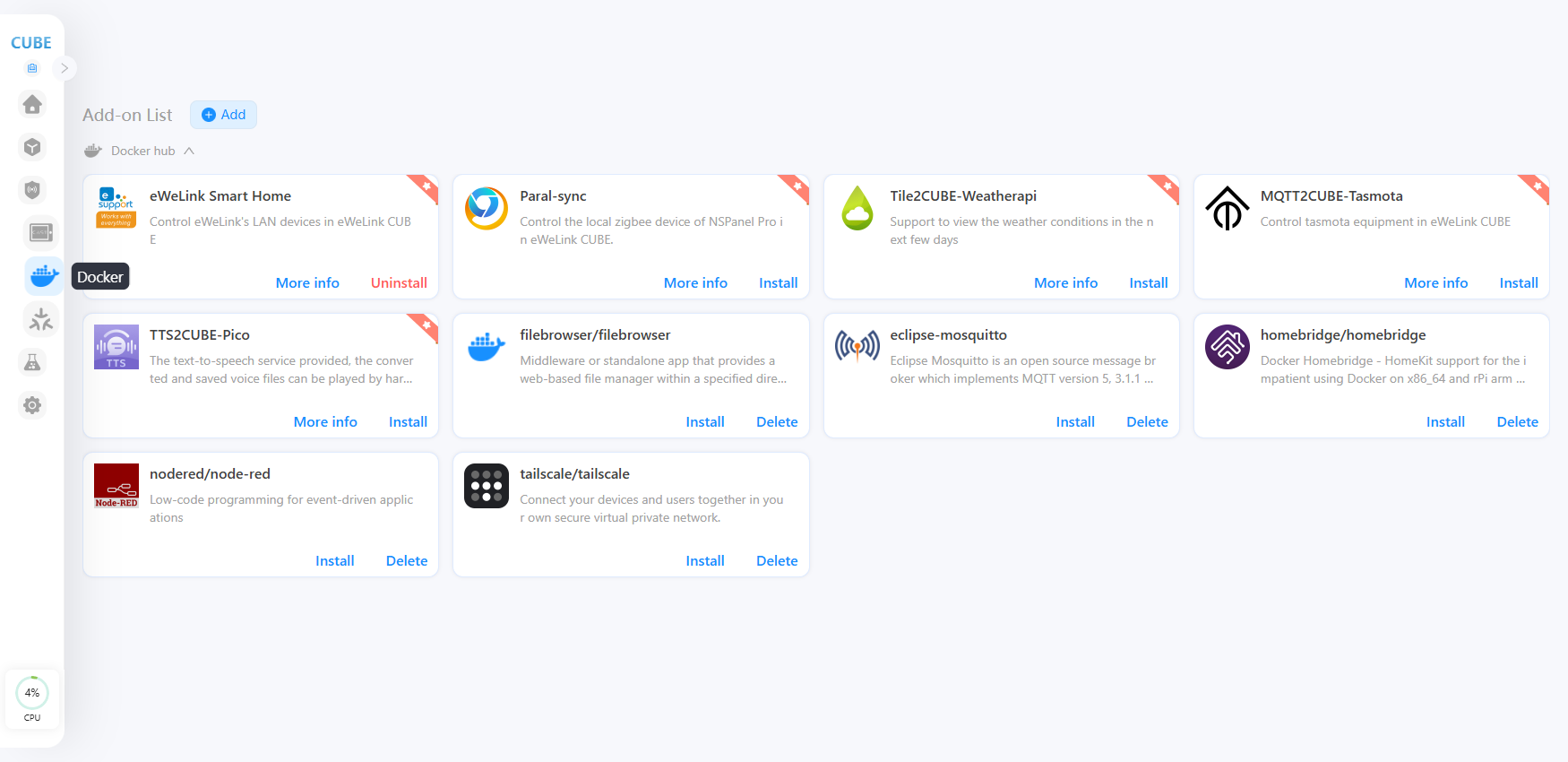
通过在 Docker 中下载不同的插件,您可以使 CUBE OS 获得更多功能,变得更全面和更可靠。
以下是 2 个示例,演示如何在 CUBE OS 上使用插件功能。
## eWeLink 智能家居
将支持 eWeLink 的设备同步到 CUBE 并进行控制。教程参考: [eWeLink Wi‑Fi 设备(支持局域网)](/english-zh/ru-men-zhi-nan/tian-jia-she-bei/ewelink-wifi-she-bei.md).
## Node-RED
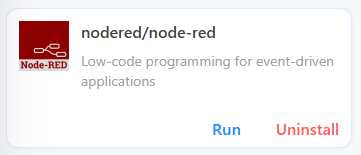
用于事件驱动应用的低代码编程。
{% stepper %}
{% step %}
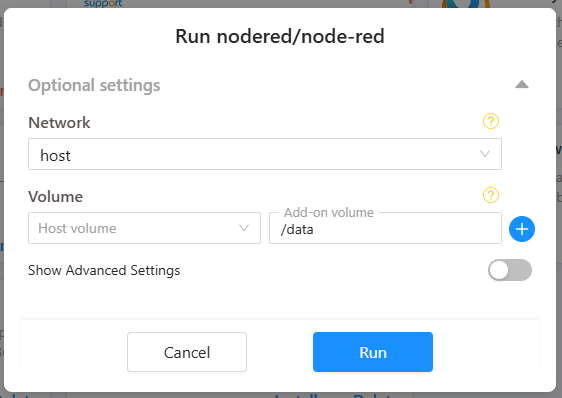
安装并运行 Node-RED 插件。
{% endstep %}
{% step %}
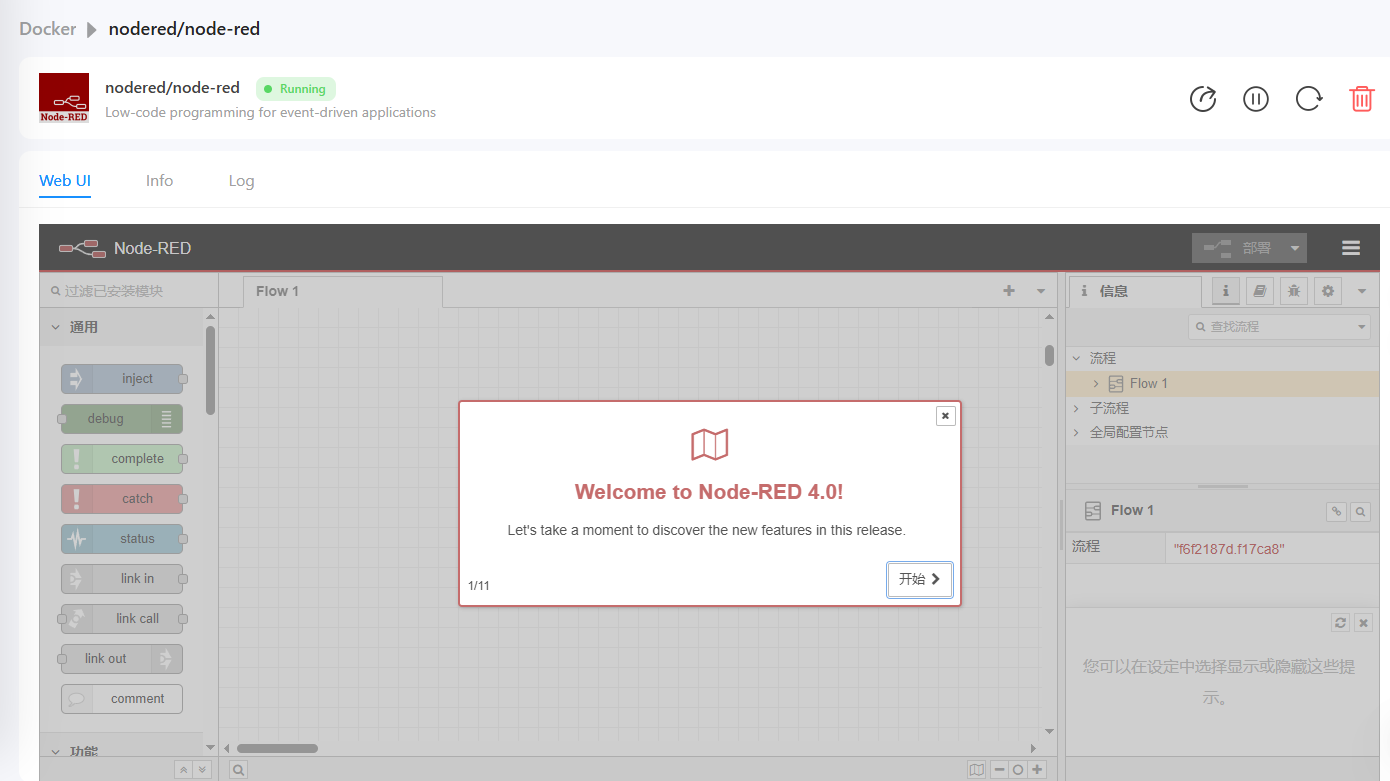
稍等片刻并打开一个新浏览器标签访问 Node-RED 页面,默认 URL 为 ihost.local:1880 或 iHost 的 IP:1880(例如 192.168.1.232:1880,您可在路由器的管理页面找到该 IP)。
{% endstep %}
{% endstepper %}
---
# Agent Instructions
This documentation is published with GitBook. GitBook is the documentation platform designed so that both humans and AI agents can read, navigate, and reason over technical content effectively. Learn more at gitbook.com.
## Querying This Documentation
If you need additional information that is not directly available in this page, you can query the documentation dynamically by asking a question.
Perform an HTTP GET request on the current page URL with the `ask` query parameter, and the optional `goal` query parameter:
```
GET https://cube.ewelink.cc/english-zh/gong-neng-tan-suo/docker-yu-cha-jian.md?ask=&goal=
```
`ask` is the immediate question: it should be specific, self-contained, and written in natural language.
`goal` is optional and describes the broader end goal you are ultimately trying to accomplish on behalf of the user. GitBook uses it to tailor the answer towards what is most useful for that goal.
The response will contain a direct answer to the question and relevant excerpts and sources from the documentation.
Use this mechanism when the answer is not explicitly present in the current page, you need clarification or additional context, or you want to retrieve related documentation sections.