# Amazon Alexa
## 1. Configuração nova
Use o aplicativo Amazon Alexa para escanear o código QR do CUBE Matter Bridge.
{% hint style="info" %}
Certifique-se de que a Alexa tenha permissões para **Câmera** e **Rede Local**.
{% endhint %}
{% stepper %}
{% step %}
### Habilitar Matter Bridge no CUBE OS
Abra o CUBE OS em um navegador.
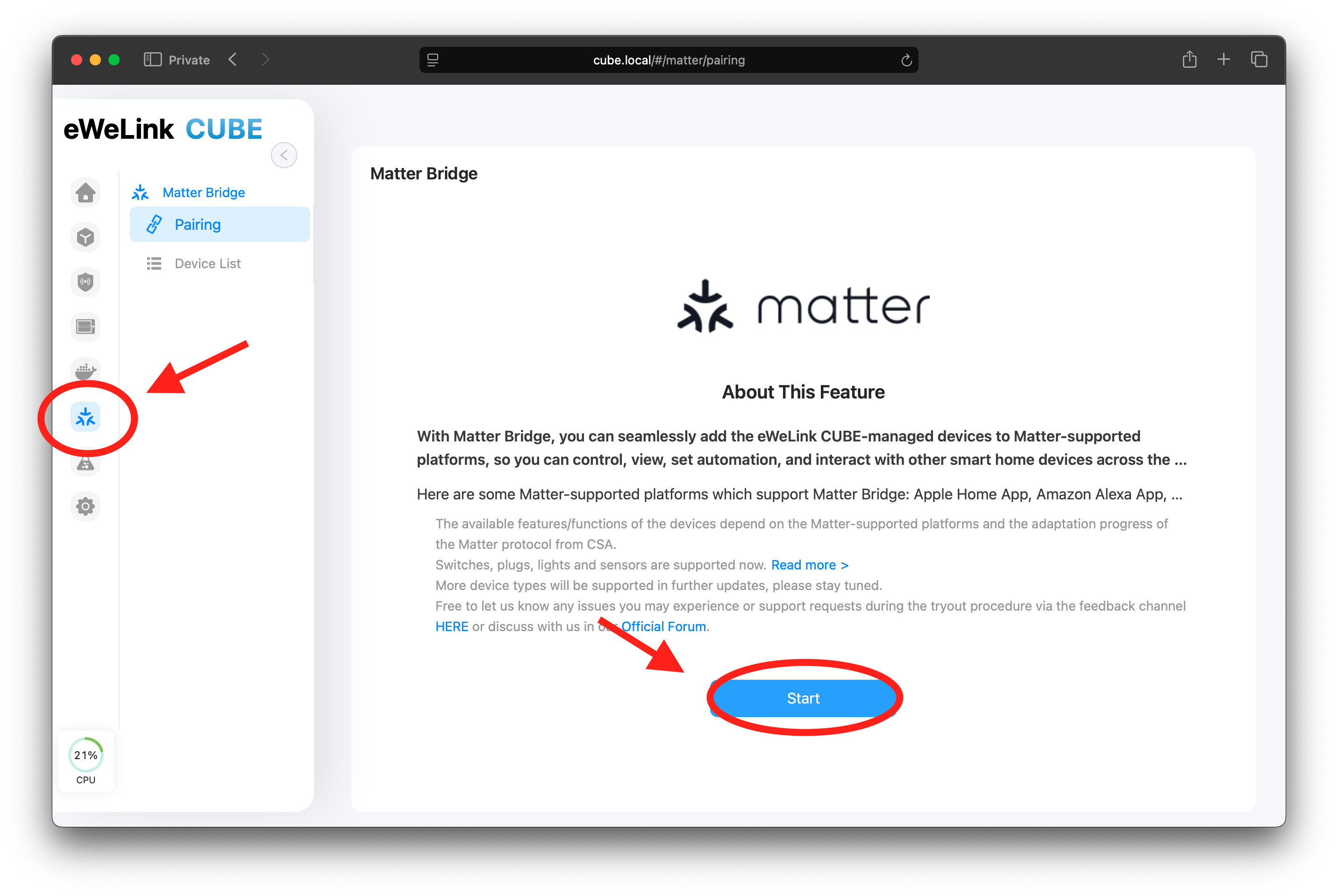
Clique no **Matter** ícone no painel lateral.
Siga o guia na tela para habilitar **Matter Bridge**.
Você deverá ver:
* Um **código QR** (para emparelhamento)
* Um **código numérico de configuração** (útil se a leitura falhar)
{% endstep %}
{% step %}
### Escale o código QR no aplicativo Alexa
Abra o **Amazon Alexa** aplicativo. Vá para **Dispositivos**. Toque em **+** → **Adicionar dispositivo**.
Selecione **Matter**, em seguida escolha **Escanear código QR** e escaneie o código QR mostrado no CUBE OS.
{% endstep %}
{% step %}
### Conclua a configuração e aguarde a sincronização dos dispositivos
Siga o fluxo da Alexa para completar a configuração. Após o pareamento, a Alexa sincronizará os dispositivos expostos pela ponte CUBE. Você pode renomear dispositivos e atribuir cômodos na Alexa.
{% endstep %}
{% endstepper %}
{% embed url="" %}
---
# Agent Instructions: Querying This Documentation
If you need additional information that is not directly available in this page, you can query the documentation dynamically by asking a question.
Perform an HTTP GET request on the current page URL with the `ask` query parameter:
```
GET https://cube.ewelink.cc/english-pt/exploracao-de-recursos/ponte-matter-ligar-apps/amazon-alexa.md?ask=
```
The question should be specific, self-contained, and written in natural language.
The response will contain a direct answer to the question and relevant excerpts and sources from the documentation.
Use this mechanism when the answer is not explicitly present in the current page, you need clarification or additional context, or you want to retrieve related documentation sections.