> For the complete documentation index, see [llms.txt](https://cube.ewelink.cc/llms.txt). Markdown versions of documentation pages are available by appending `.md` to page URLs; this page is available as [Markdown](https://cube.ewelink.cc/english-pl/blog/dodaj-swoje-urzadzenia-do-apple-home/gniazdko-sonoff-s40.md).
# Gniazdko — SONOFF S40
Wcześniej w społeczności badaliśmy, jak dodać [**Włącznik SONOFF TX**](/english-pl/blog/dodaj-swoje-urzadzenia-do-apple-home/przelacznik-sonoff-tx.md) do Apple Home za pomocą **Mostu CUBE OS Matter**, pokazując, jak urządzenia typu włącznik współpracują bezproblemowo z ekosystemem Apple.
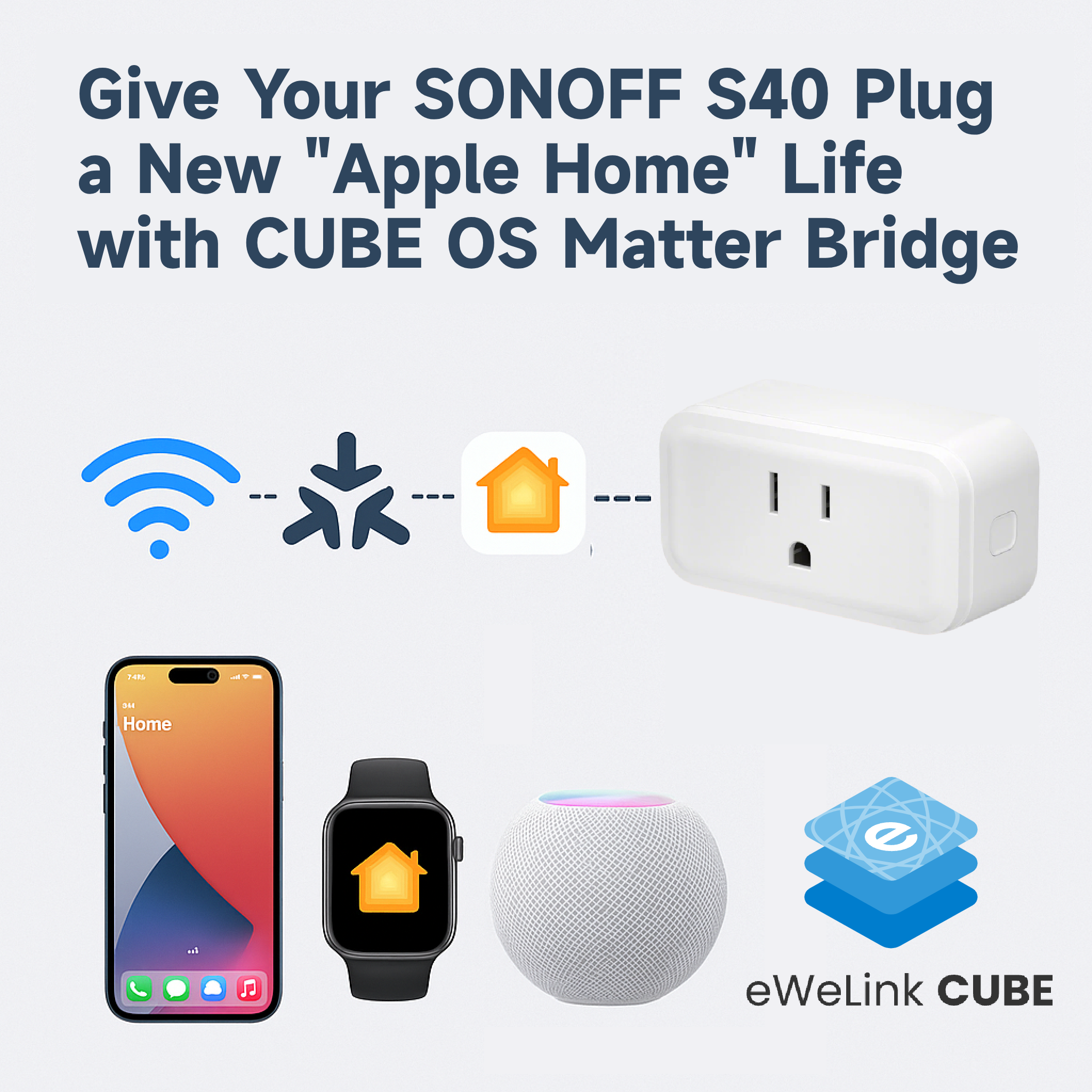
Tym razem zobaczmy, jak sprawdza się z **urządzeniem typu wtyczka** - [**Gniazdko inteligentne SONOFF Wi‑Fi S40**](https://sonoff.tech/en-us/products/sonoff-iplug-series-wi-fi-smart-plug-s40-s40-lite/58) - aby sprawdzić, jak dobrze działa w Apple Home.
## Czego użyłem
* **Urządzenie:** Inteligentne gniazdko SONOFF S40 Wi‑Fi
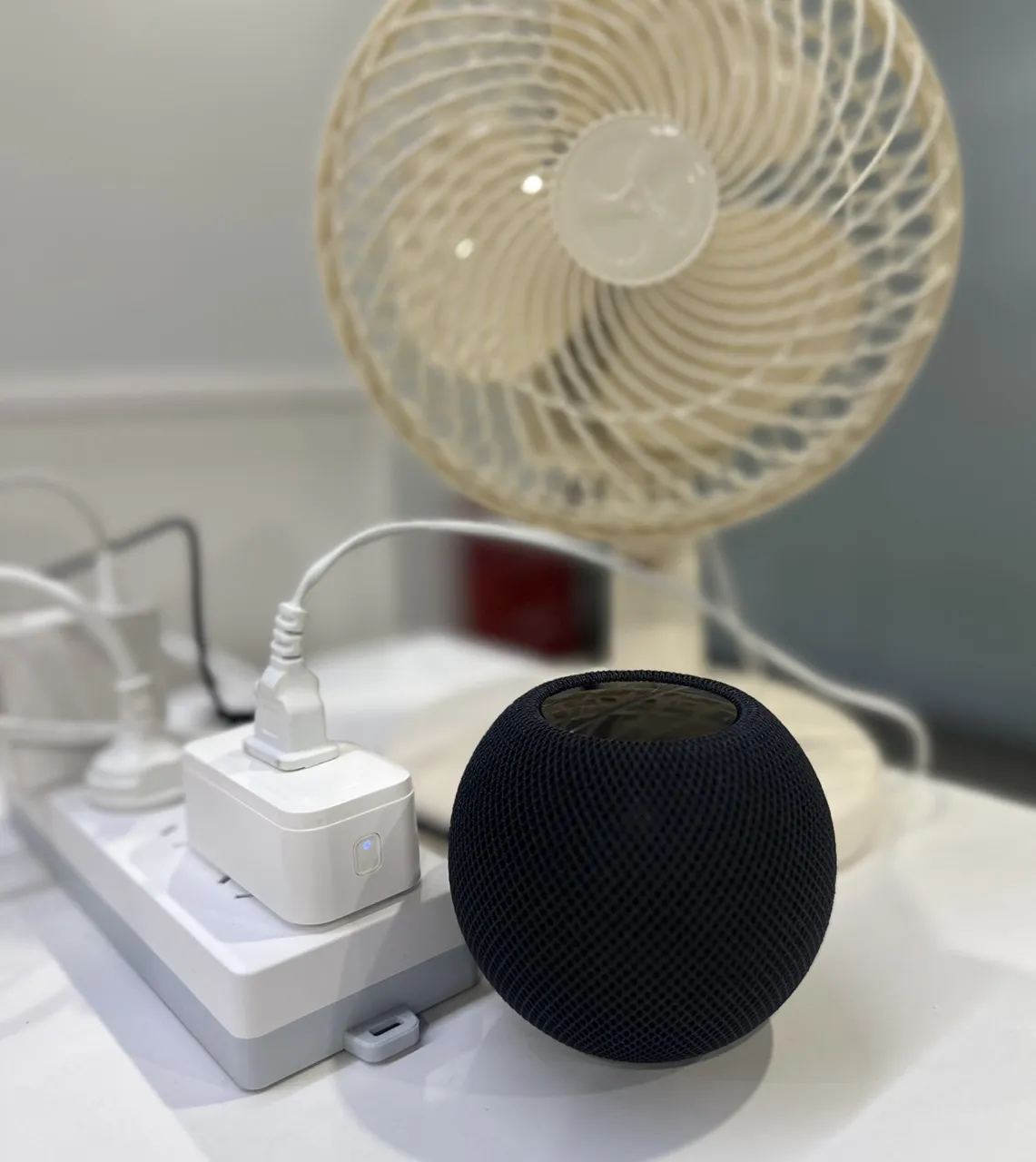
* **Aparat:** Prosty wentylator do wpięcia
* **Platforma:** CUBE OS z dodatkiem Smart Home + Most Matter
## Kroki konfiguracji
{% stepper %}
{% step %}
Podłącz zasilanie do **gniazdka S40** i połącz je ze swoim **kontem eWeLink** jak zwykle.
{% endstep %}
{% step %}
Otwórz **CUBE OS**, przejdź do **Dodatek eWeLink Smart Home**i zsynchronizuj swoje urządzenie S40.
{% endstep %}
{% step %}
Włącz **Mostek Matter** w CUBE OS i dodaj most do **Apple Home** postępując zgodnie z krokami w naszym [przewodniku "Rozpoczęcie pracy"](/english-pl/blog/dodaj-swoje-urzadzenia-do-apple-home.md).
{% endstep %}
{% step %}
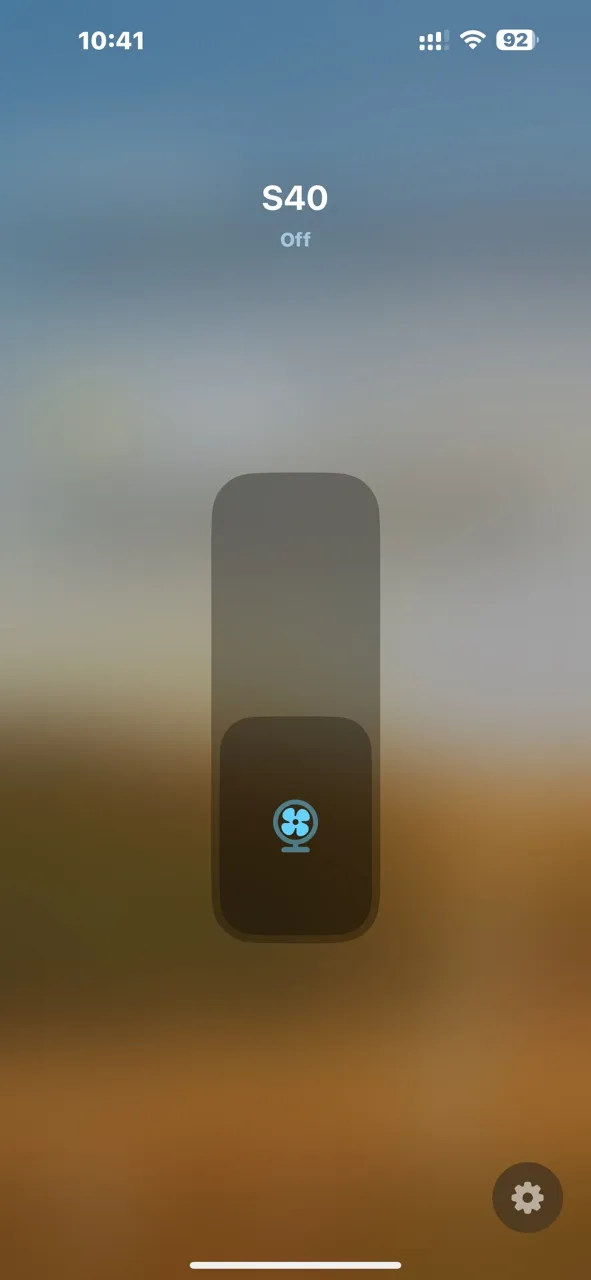
Po sparowaniu gniazdko S40 natychmiast pojawi się w aplikacji Apple Home — gotowe do sterowania wentylatorem lub innymi urządzeniami.
{% endstep %}
{% endstepper %}
## Doświadczenie w Apple Home
Sterowanie działa płynnie na wszystkich testowanych przeze mnie platformach Apple:
Urządzenie
Testowana funkcja
📱 iPhone
Aplikacja Apple Home + sterowanie głosem Siri
💻 iPad
Aplikacja Apple Home + Siri
🏠 HomePod mini
Sterowanie głosem przez Siri
⌚ Apple Watch
Aplikacja Apple Home + polecenie Siri
Czas reakcji jest szybki, a aktualizacje stanu niemal natychmiastowe. Włączanie i wyłączanie wentylatora przez interfejs Apple jest naturalne i niezawodne.
## Podsumowanie
SONOFF S40 działa perfekcyjnie przez **Mostu CUBE OS Matter**, podobnie jak przełącznik TX — stabilne połączenie, niskie opóźnienia i pełne wsparcie ekosystemu Apple.
Jeśli masz inne urządzenia typu wtyczka lub monitorujące zużycie energii, wypróbuj je i podziel się wynikami poniżej. To ekscytujące widzieć, jak wiele starszych urządzeń Wi‑Fi może zyskać drugie życie w Apple Home dzięki CUBE OS.
\
\
----------------------------------
---
# Agent Instructions
This documentation is published with GitBook. GitBook is the documentation platform designed so that both humans and AI agents can read, navigate, and reason over technical content effectively. Learn more at gitbook.com.
## Querying This Documentation
If you need additional information that is not directly available in this page, you can query the documentation by asking a question.
Perform an HTTP GET request on the following URL with the `ask` and `goal` query parameters:
```
GET https://cube.ewelink.cc/english-pl/blog/dodaj-swoje-urzadzenia-do-apple-home/gniazdko-sonoff-s40.md?ask=&goal=
```
`ask` is the immediate question: it should be specific, self-contained, and written in natural language.
`goal` is what the user is ultimately trying to achieve, the reason they need the answer. Sharing it helps GitBook give you a better, more relevant answer. A goal is most helpful when it describes the outcome the user wants rather than restating the question. For example, with `ask=how do I create an API token`, a goal like `automate deployments from our CI pipeline` lets GitBook tailor the answer to that use case.
The response will contain a direct answer to the question and relevant excerpts and sources from the documentation.
Use this mechanism when the answer is not explicitly present in the current page, you need clarification or additional context, or you want to retrieve related documentation sections.
.gif?alt=media&token=e18cee9d-cc5a-465c-b877-26b027c75d6c)