> For the complete documentation index, see [llms.txt](https://cube.ewelink.cc/llms.txt). Markdown versions of documentation pages are available by appending `.md` to page URLs; this page is available as [Markdown](https://cube.ewelink.cc/cube-os-es/blog/anade-tus-dispositivos-a-apple-home/enchufe-sonoff-s40.md).
# Enchufe - SONOFF S40
Anteriormente en la comunidad, exploramos cómo añadir el [**Interruptor SONOFF TX**](/cube-os-es/blog/anade-tus-dispositivos-a-apple-home/interruptor-sonoff-tx.md) a Apple Home a través del **Puente Matter de CUBE OS**, mostrando cómo los dispositivos de tipo interruptor funcionan sin problemas con el ecosistema de Apple.
Esta vez, veamos cómo se comporta con un **dispositivo tipo enchufe** - el [**Enchufe Inteligente Wi‑Fi SONOFF S40**](https://sonoff.tech/en-us/products/sonoff-iplug-series-wi-fi-smart-plug-s40-s40-lite/58) - para comprobar qué tan bien funciona dentro de Apple Home.
## Qué utilicé
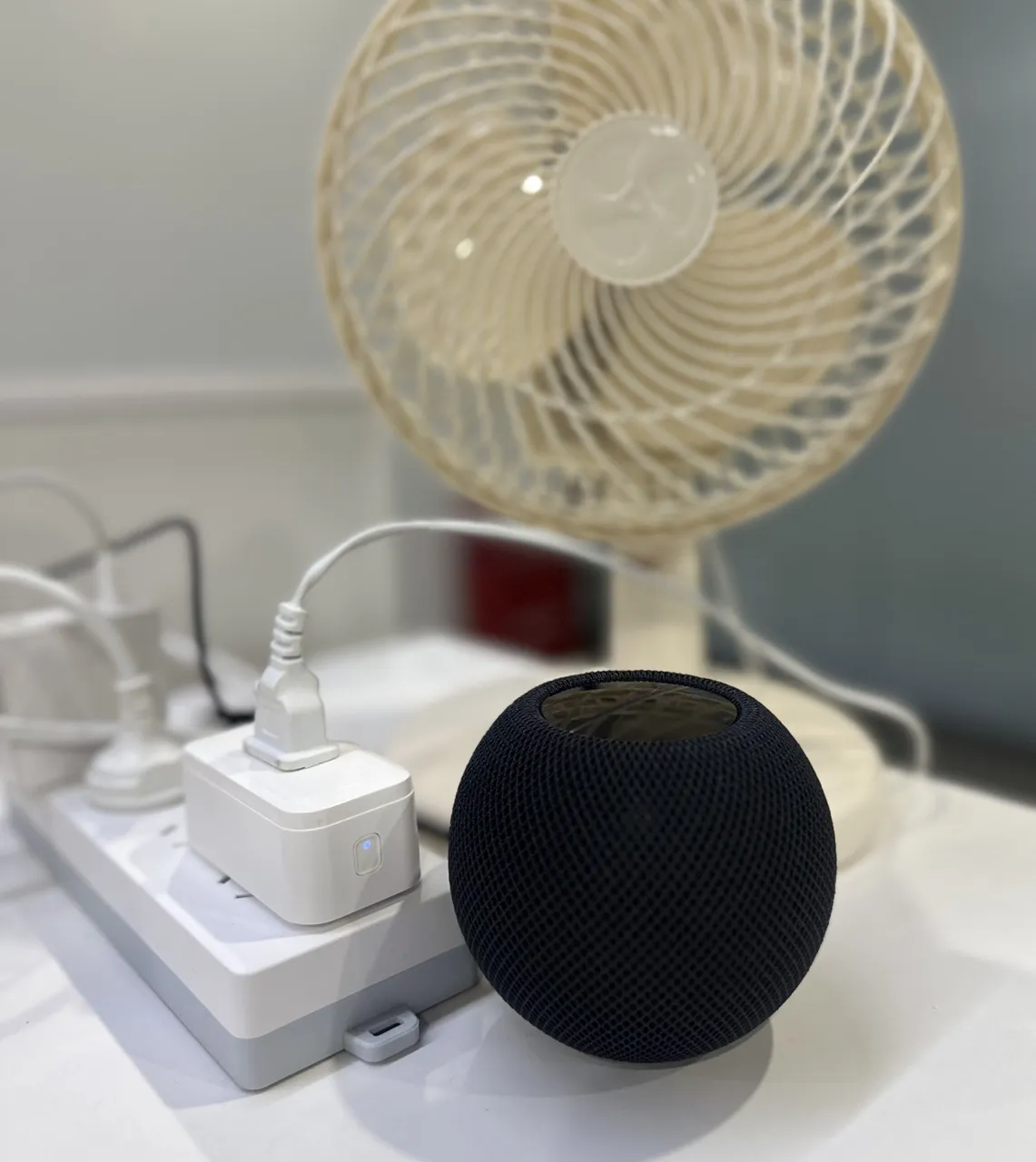
* **Dispositivo:** Enchufe Inteligente SONOFF S40 Wi‑Fi
* **Aparato:** Un ventilador sencillo de enchufe
* **Plataforma:** CUBE OS con complemento Smart Home + Puente Matter
## Pasos de configuración
{% stepper %}
{% step %}
Enciende tu **enchufe S40** y conéctalo a tu **cuenta eWeLink** como de costumbre.
{% endstep %}
{% step %}
Abre **CUBE OS**, ve a la **Complemento eWeLink Smart Home**y sincroniza tu dispositivo S40.
{% endstep %}
{% step %}
Habilita el **Puente Matter** en CUBE OS y añade el puente a **Apple Home** siguiendo los pasos en nuestra [guía de Inicio](/cube-os-es/blog/anade-tus-dispositivos-a-apple-home.md).
{% endstep %}
{% step %}
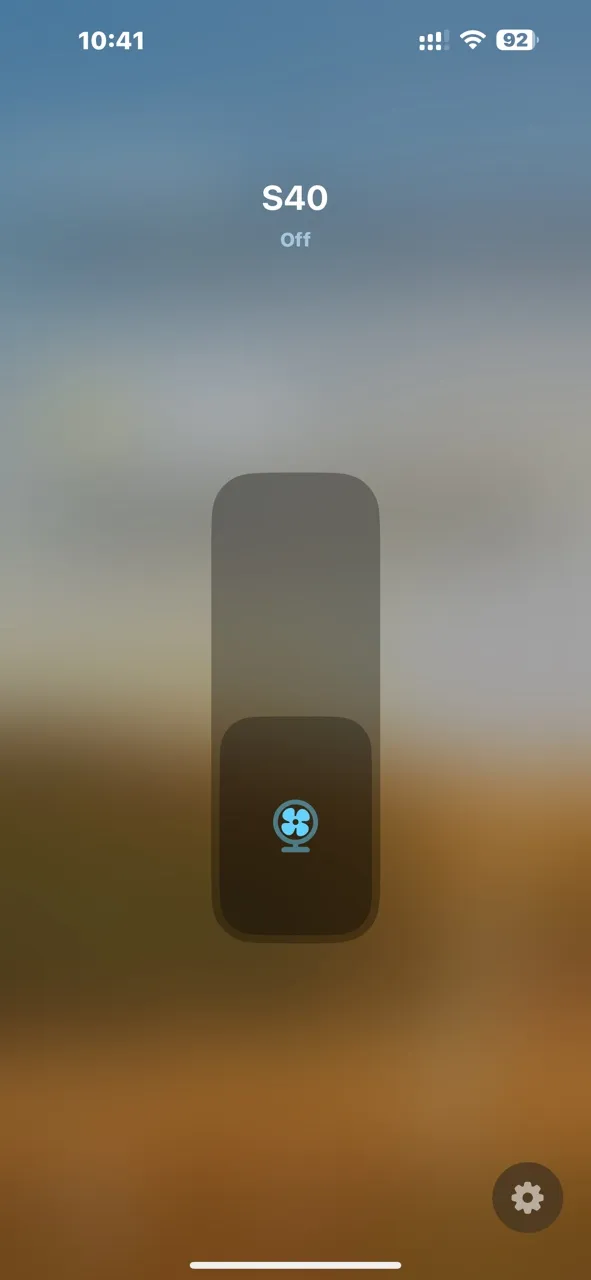
Una vez emparejado, tu enchufe S40 aparecerá instantáneamente en la app Apple Home, listo para controlar tu ventilador u otros electrodomésticos.
{% endstep %}
{% endstepper %}
## Experiencia en Apple Home
El control funciona sin problemas en todas las plataformas Apple que probé:
Dispositivo
Función probada
📱 iPhone
App Apple Home + control por voz Siri
💻 iPad
App Apple Home + Siri
🏠 HomePod mini
Control por voz mediante Siri
⌚ Apple Watch
App Apple Home + comando Siri
El tiempo de respuesta es rápido y las actualizaciones de estado son casi instantáneas. Encender y apagar el ventilador se siente natural y fiable a través de la interfaz de Apple.
## Resumen
El SONOFF S40 funciona perfectamente a través del **Puente Matter de CUBE OS**, al igual que el interruptor TX: conexión estable, baja latencia y soporte completo del ecosistema Apple.
Si tienes otros dispositivos tipo enchufe o con monitorización de energía, pruébalos y comparte tus resultados abajo. Es emocionante ver cuántos dispositivos Wi‑Fi más antiguos pueden tener una segunda vida dentro de Apple Home con CUBE OS.
\
\
----------------------------------
---
# Agent Instructions
This documentation is published with GitBook. GitBook is the documentation platform designed so that both humans and AI agents can read, navigate, and reason over technical content effectively. Learn more at gitbook.com.
## Querying This Documentation
If you need additional information that is not directly available in this page, you can query the documentation by asking a question.
Perform an HTTP GET request on the following URL with the `ask` and `goal` query parameters:
```
GET https://cube.ewelink.cc/cube-os-es/blog/anade-tus-dispositivos-a-apple-home/enchufe-sonoff-s40.md?ask=&goal=
```
`ask` is the immediate question: it should be specific, self-contained, and written in natural language.
`goal` is what the user is ultimately trying to achieve, the reason they need the answer. Sharing it helps GitBook give you a better, more relevant answer. A goal is most helpful when it describes the outcome the user wants rather than restating the question. For example, with `ask=how do I create an API token`, a goal like `automate deployments from our CI pipeline` lets GitBook tailor the answer to that use case.
The response will contain a direct answer to the question and relevant excerpts and sources from the documentation.
Use this mechanism when the answer is not explicitly present in the current page, you need clarification or additional context, or you want to retrieve related documentation sections.

.gif?alt=media&token=e18cee9d-cc5a-465c-b877-26b027c75d6c)