> For the complete documentation index, see [llms.txt](https://cube.ewelink.cc/llms.txt). Markdown versions of documentation pages are available by appending `.md` to page URLs; this page is available as [Markdown](https://cube.ewelink.cc/blog/add-your-devices-into-apple-home/switch-sonoff-tx.md).
# Switch - SONOFF TX
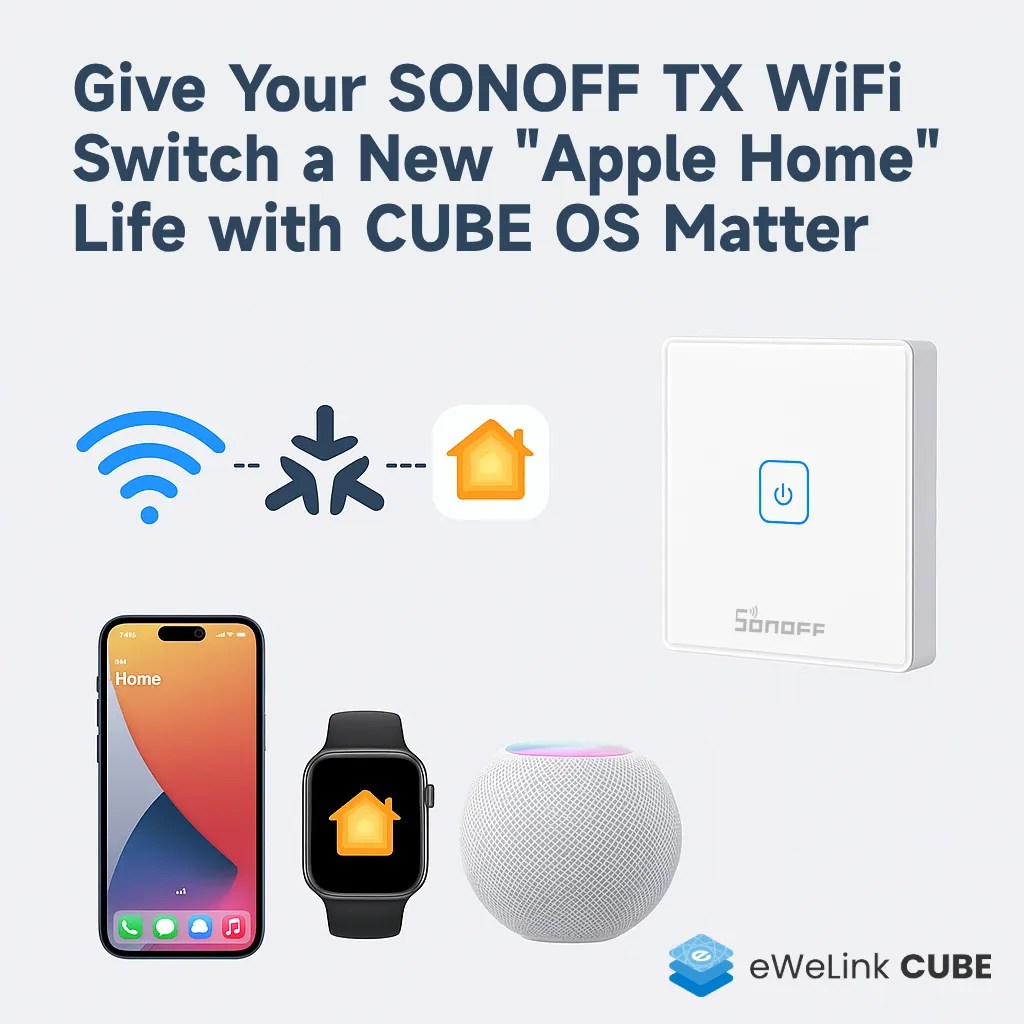
One of the most exciting features in **CUBE OS** is the **Matter Bridge**.\
This gives many older WiFi devices a second life. They can now join ecosystems like **Apple Home** without relying on the eWeLink cloud and be controlled through Apple Home, Siri, HomePod, Apple Watch, and other Apple ecosystem entry points.
In this post, I’ll share my hands-on experience: bringing my old **SONOFF TX wall switch** back to life, connecting it to the Apple ecosystem via CUBE OS.
## Steps
{% stepper %}
{% step %}
Pick up an old TX wall switch I had lying around, wired it to a ceiling light, and got ready to see how well this experience works.
[](https://europe1.discourse-cdn.com/flex005/uploads/ewelinkforum/original/2X/6/6e9e9397b053576eb006192454fd197cb3188a88.jpeg)
{% endstep %}
{% step %}
On my Ugreen NAS, I installed **CUBE OS** inside a virtual machine and got it running smoothly.\
Installation tutorials can be found in the [Installation & User Guide.](/getting-started/quickstart.md)
[](https://europe1.discourse-cdn.com/flex005/uploads/ewelinkforum/original/2X/f/f52c37571015509e4feefbd732043d29acfdef2c.jpeg)
{% endstep %}
{% step %}
Once CUBE OS was up and running, I access to the interface via `cube.local` (or the IP of the CUBE).\
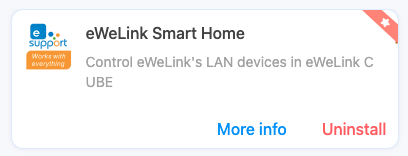
From the sidebar, I clicked on the **Docker (whale icon)**, installed the **eWeLink Smart Home Addon**, logged in with my eWeLink ID, and synced my WiFi devices into CUBE OS.\
This step pulls the control keys from the cloud - after that, you can say goodbye to eWeLink Cloud.
[](https://europe1.discourse-cdn.com/flex005/uploads/ewelinkforum/original/2X/a/a188db46379d41bf306e3f1db82b2d1eb19af9ff.png)
{% endstep %}
{% step %}
Next, from the CUBE OS sidebar, I clicked the **Matter** icon. Following the UI guide, I generated a pairing code, then scanned it with my iPhone in the **Apple Home** app.\
It felt exactly the same as adding a HomeKit device - no extra steps.\
If you see a prompt like *“Adding an uncertified device”*, just continue. (CUBE OS is currently under CSA certification.)
[](https://europe1.discourse-cdn.com/flex005/uploads/ewelinkforum/original/2X/1/1b01e7f3e7ceb8362c4d742bc7e963161316aa15.png)
{% endstep %}
{% step %}
I customized the device name and assigned it to a room - the same steps as with any HomeKit device.
[](https://europe1.discourse-cdn.com/flex005/uploads/ewelinkforum/original/2X/4/469395c49b845ebc6f857ad58fca773eabacac77.jpeg)
{% endstep %}
{% step %}
Now for the fun part - controlling my TX switch through Apple Home and Siri on different devices:
* iPhone Apple Home
* iPhone Siri
* iPad Apple Home
* iPad Siri
* HomePod mini Siri
* Apple Watch Apple Home
* Apple Watch Siri
{% endstep %}
{% endstepper %}
## **Thought**
The whole process was easy. The most “complex” part was installing CUBE OS on my NAS, but even that was straightforward with the tutorial. Once CUBE OS was running, everything else was just following the UI.
My old **TX wall switch** now feels brand new, fully working inside the Apple ecosystem.
Highly recommend everyone try CUBE OS to bring a second life to your older WiFi devices!
---
# Agent Instructions
This documentation is published with GitBook. GitBook is the documentation platform designed so that both humans and AI agents can read, navigate, and reason over technical content effectively. Learn more at gitbook.com.
## Querying This Documentation
If you need additional information that is not directly available in this page, you can query the documentation dynamically by asking a question.
Perform an HTTP GET request on the current page URL with the `ask` query parameter, and the optional `goal` query parameter:
```
GET https://cube.ewelink.cc/blog/add-your-devices-into-apple-home/switch-sonoff-tx.md?ask=&goal=
```
`ask` is the immediate question: it should be specific, self-contained, and written in natural language.
`goal` is optional and describes the broader end goal you are ultimately trying to accomplish on behalf of the user. GitBook uses it to tailor the answer towards what is most useful for that goal.
The response will contain a direct answer to the question and relevant excerpts and sources from the documentation.
Use this mechanism when the answer is not explicitly present in the current page, you need clarification or additional context, or you want to retrieve related documentation sections.