> For the complete documentation index, see [llms.txt](https://cube.ewelink.cc/llms.txt). Markdown versions of documentation pages are available by appending `.md` to page URLs; this page is available as [Markdown](https://cube.ewelink.cc/blog/add-your-devices-into-apple-home/plug-sonoff-s40.md).
# Plug - SONOFF S40
Earlier in the community, we explored how to add the [**SONOFF TX Switch**](/blog/add-your-devices-into-apple-home/switch-sonoff-tx.md) to Apple Home through the **CUBE OS Matter Bridge**, showing how switch-type devices work seamlessly with Apple's ecosystem.
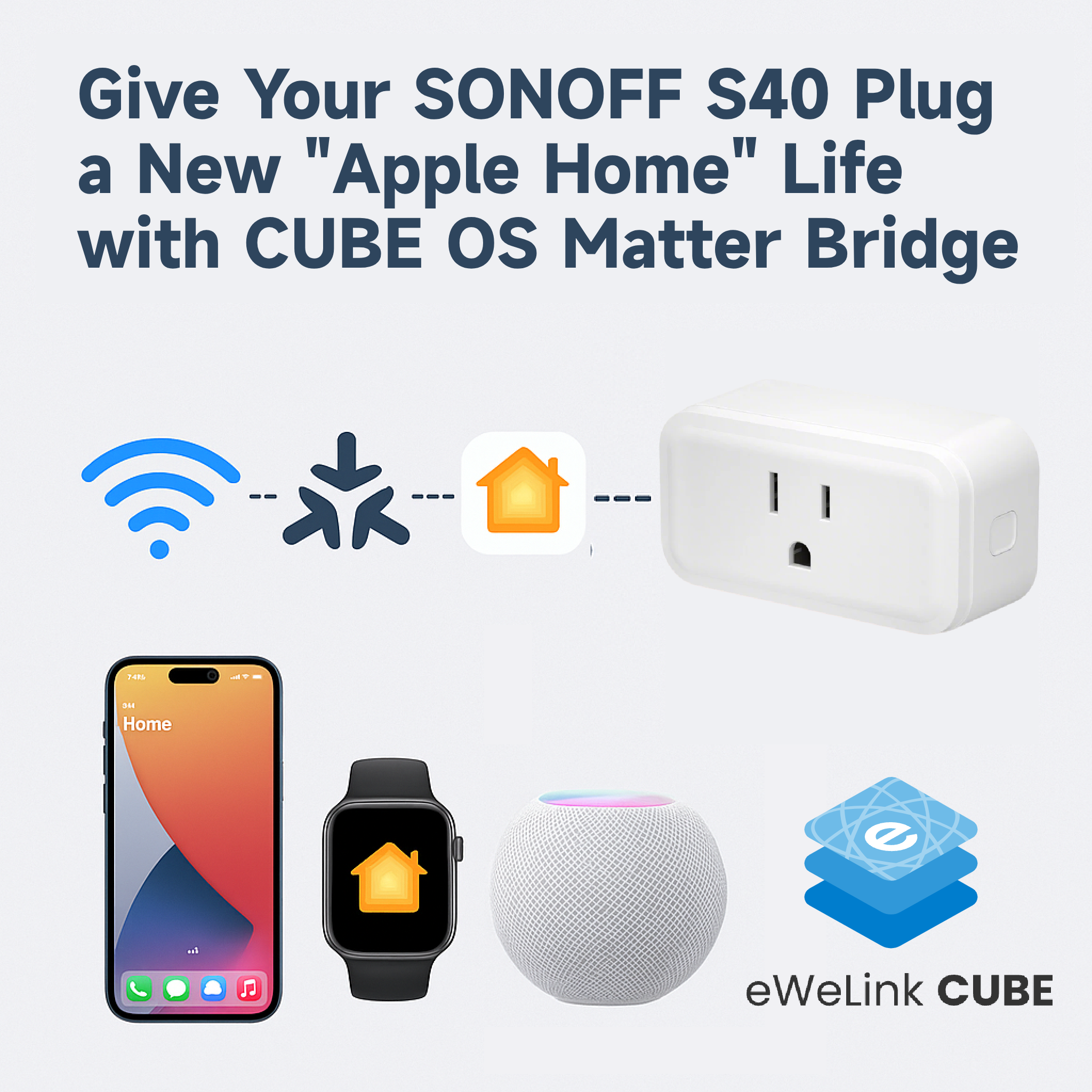
This time, let's see how it performs with a **plug-type device** - the [**SONOFF Wi-Fi Smart Plug S40**](https://sonoff.tech/en-us/products/sonoff-iplug-series-wi-fi-smart-plug-s40-s40-lite/58) - to check how well it works inside Apple Home.
## What I Used
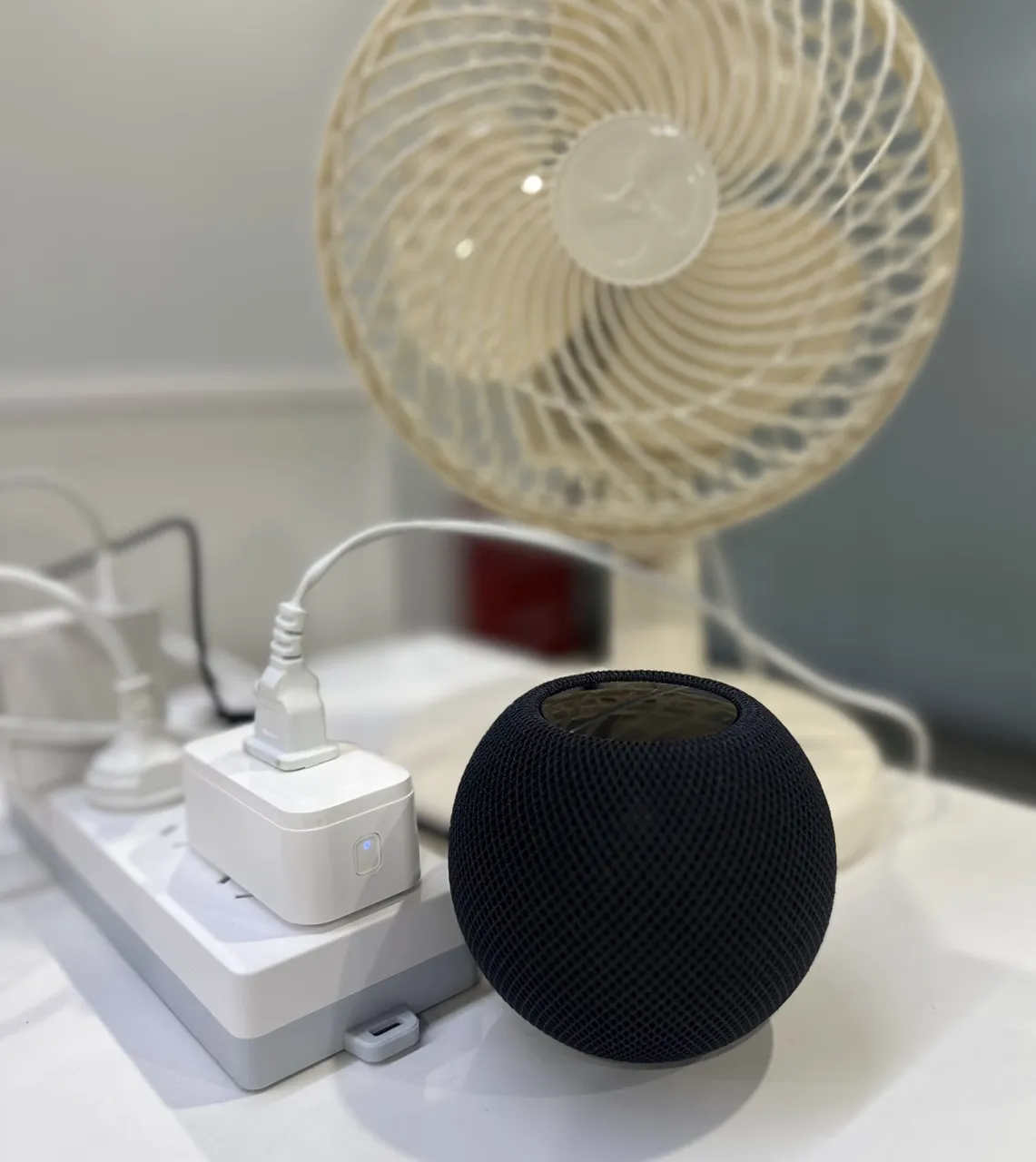
* **Device:** SONOFF S40 Wi-Fi Smart Plug
* **Appliance:** A simple plug-in fan
* **Platform:** CUBE OS with Smart Home Add-on + Matter Bridge
## Setup Steps
{% stepper %}
{% step %}
Power up your **S40 plug** and connect it to your **eWeLink account** as usual.
{% endstep %}
{% step %}
Open **CUBE OS**, go to the **eWeLink Smart Home Add-on**, and sync your S40 device.
{% endstep %}
{% step %}
Enable the **Matter Bridge** in CUBE OS and add the bridge to **Apple Home** following the steps in our [Getting Started guide](/blog/add-your-devices-into-apple-home.md).
{% endstep %}
{% step %}
Once paired, your S40 plug will instantly appear in the Apple Home app - ready to control your fan or other appliances.
{% endstep %}
{% endstepper %}
## Apple Home Experience
Control works smoothly across all Apple platforms I tested:
Device
Tested Feature
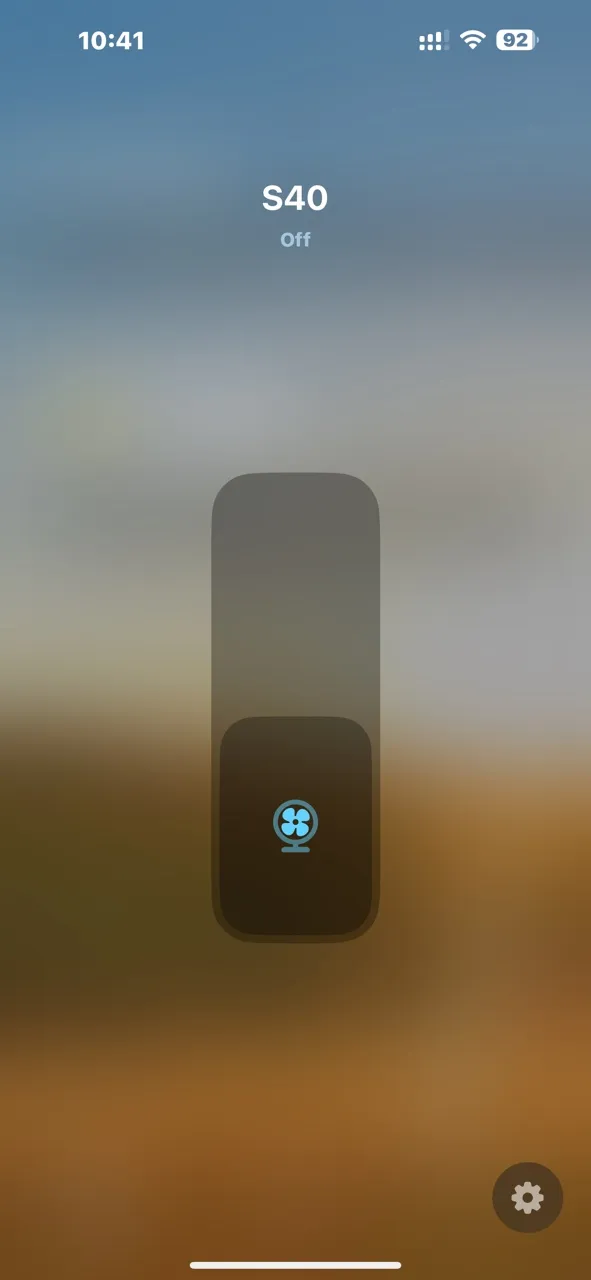
📱 iPhone
Apple Home app + Siri voice control
💻 iPad
Apple Home app + Siri
🏠 HomePod mini
Voice control via Siri
⌚ Apple Watch
Apple Home app + Siri command
Response time is fast, and the state updates are almost instant. Turning the fan on and off feels natural and reliable through Apple's interface.
## Summary
The SONOFF S40 works perfectly through the **CUBE OS Matter Bridge**, just like the TX switch - stable connection, low latency, and full Apple ecosystem support.
If you have other plug-type or energy monitoring devices, give them a try and share your results below. It's exciting to see how many older Wi-Fi devices can get a second life inside Apple Home with CUBE OS.
\
\
----------------------------------
---
# Agent Instructions
This documentation is published with GitBook. GitBook is the documentation platform designed so that both humans and AI agents can read, navigate, and reason over technical content effectively. Learn more at gitbook.com.
## Querying This Documentation
If you need additional information that is not directly available in this page, you can query the documentation dynamically by asking a question.
Perform an HTTP GET request on the current page URL with the `ask` query parameter, and the optional `goal` query parameter:
```
GET https://cube.ewelink.cc/blog/add-your-devices-into-apple-home/plug-sonoff-s40.md?ask=&goal=
```
`ask` is the immediate question: it should be specific, self-contained, and written in natural language.
`goal` is optional and describes the broader end goal you are ultimately trying to accomplish on behalf of the user. GitBook uses it to tailor the answer towards what is most useful for that goal.
The response will contain a direct answer to the question and relevant excerpts and sources from the documentation.
Use this mechanism when the answer is not explicitly present in the current page, you need clarification or additional context, or you want to retrieve related documentation sections.
.gif?alt=media&token=e18cee9d-cc5a-465c-b877-26b027c75d6c)